
Large Meeting Room Bundle
Reliable performance for bigger rooms, without added complexity.
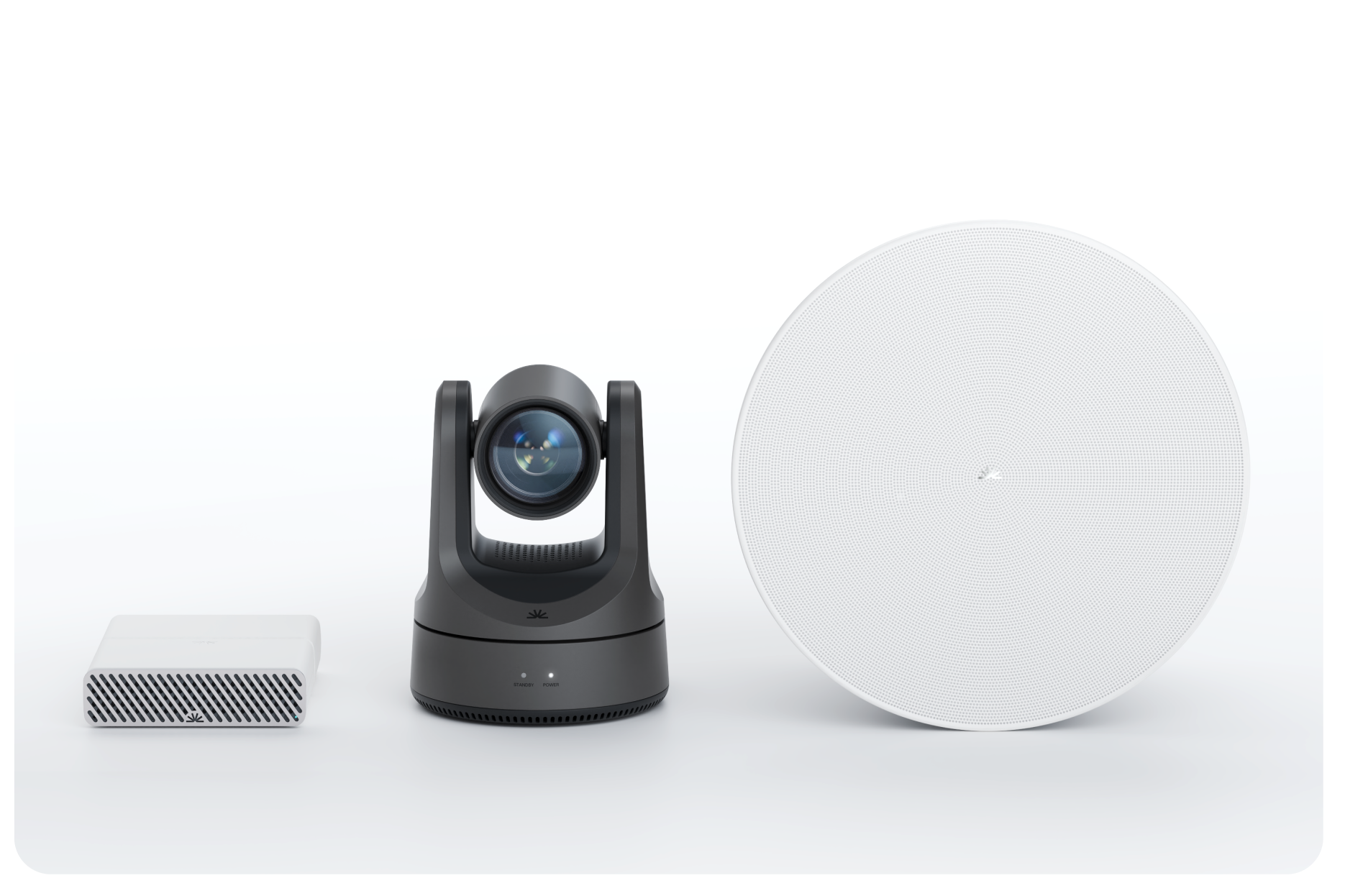
Overview
This bundle gives installers a simple, repeatable recipe for delivering clear audio, natural video, and consistent performance in larger meeting rooms.
Follow a few straightforward placement rules, and Pleneo takes care of the rest automatically.
What’s in the Bundle
Designed for rooms with 10–16 seats and a longer, central meeting table, up to 90m2.
1 × RoomHub
6 × RoomDesign Ceiling speakers
1 × RoomVision XL PTZ camera
1 × Pleneo-certified ceiling microphone
Sennheiser TeamConnect Ceiling-Medium (TCCM)
Shure Microflex Advance MXA920
Each component is selected to scale cleanly with room size while maintaining predictable results.
Before you begin
Create your room in Pleneo Cloud like this.
Placing the Microphone
Use: TCC M or MXA920
Place the microphone directly above the center of the table, aligned with the full seating zone, not the architectural center of the room.
This ensures the microphone has a clear and consistent “view” of the conversation across a larger table.
Placement rules
Center the microphone along the length of the table
Avoid beams, soffits, recessed ceilings, or other obstructions
Pro Tip: If using Sennheiser TCC M activate 3rd Party Access for control.
Placing the Speakers
Use: 6 × RoomDesign Ceiling speakers
More info: Install RoomDesign Ceiling
The goal is smooth, even sound coverage for every seat in a longer room.
Placement pattern
Install six speakers in two clean rows running the length of the table
Space speakers evenly so sound remains consistent from front to back
Avoid placing speakers too close to the microphone
Placing the Camera
Use: RoomVision XL PTZ
More info: Installing RoomVision
Place the camera where people look their best.
1. Centered, Below the Display (Recommended)
Closest to natural eye level
Keeps gaze aligned with the screen
Works especially well with dual displays
Best setup:
Two displays with the camera placed between them at eye height.
2. Centered, Above the Display
Clean, familiar framing
Works in nearly all rooms
Reliable when below-display placement isn’t possible
Use this as a fallback when needed.
3. Side Wall (Last Option)
Practical when front-wall mounting isn’t possible
Acceptable in smaller rooms
Side mounting introduces angled views and should be avoided when possible.
Placing RoomHub
Use: RoomHub
More info: Installing RoomHub
RoomHub is compact, silent, and PoE-powered, so placement remains flexible even in bigger rooms.
Tips
For MTR rooms, position RoomHub near the main system for clean, simple wiring
For BYOD rooms, mount RoomHub under the table for easy laptop access
Choose the location that makes installation and service easiest.
Deploying the room
On-site, all you need to do is connect the products.
Once RoomHub is online, RoomOS takes over and completes the setup automatically using AI AutoDeploy™.
In Summary
For consistent results in large meeting rooms:
Place the microphone above the full seating zone
Position speakers in clean, even rows above the table
Mount the camera where people look natural on screen
Install RoomHub wherever wiring is simplest
Get these fundamentals right, and Pleneo delivers clear audio, natural video, and dependable performance, meeting after meeting.
Looking for Other Room Types?
See:
Placing the Speakers
Placing the Microphone
for layouts and recommendations across different room configurations