
Install RoomDesign Ceiling
Overview
This guide walks you through installing the RoomDesign Ceiling speaker quickly and correctly.
The design is straightforward.
One cut, one mount, one cable.
Follow the steps below for a clean, reliable installation.
Before You Begin
Make sure the room is ready:
Ceiling access is available
The supplied cutout template or ceiling tile mount accessory is on hand
This avoids delays once installation starts.
Installation Steps
1. Prepare the Ceiling
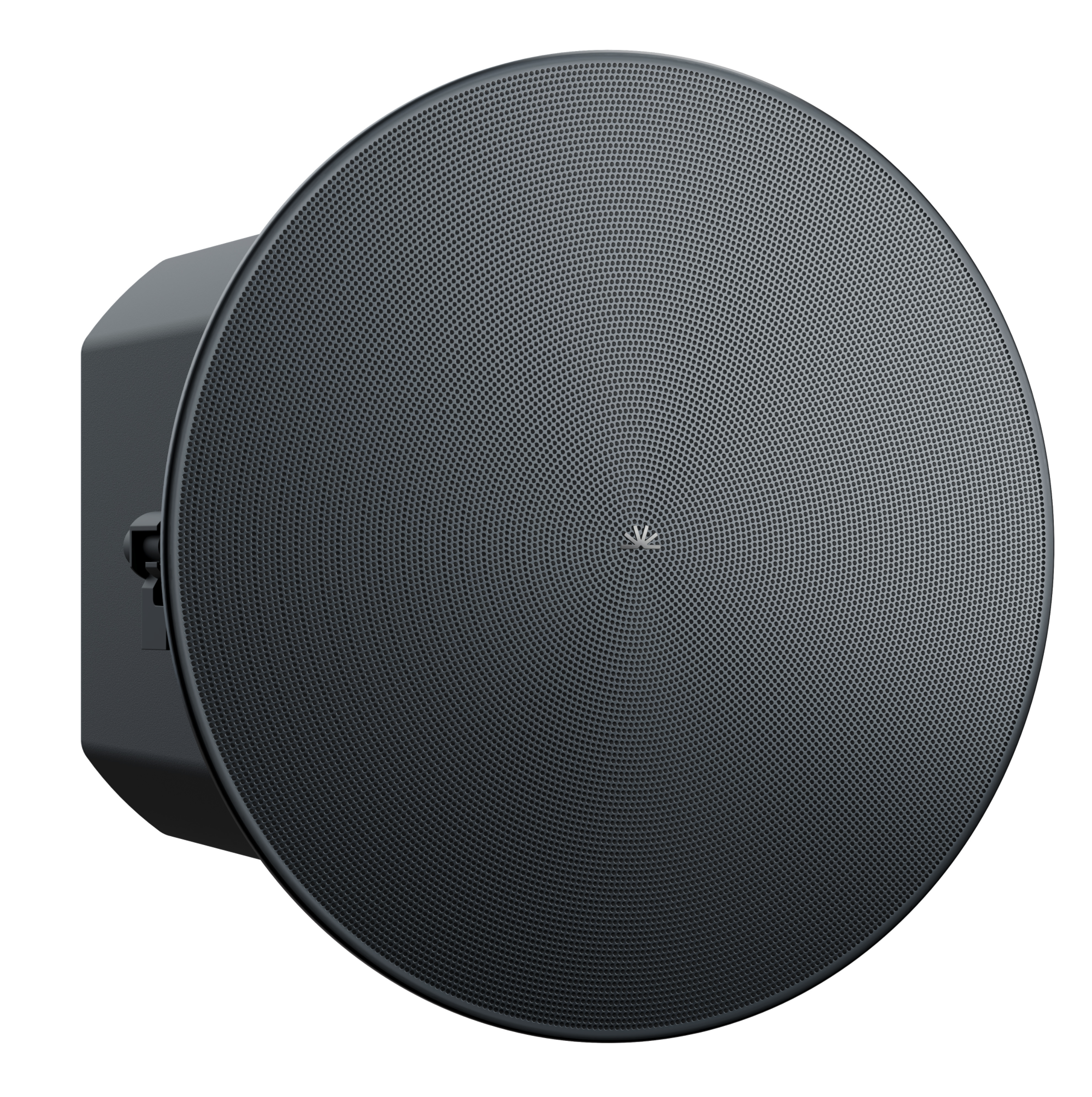
RoomDesign Ceiling is designed for in-ceiling installation.
Steps:
Use the supplied cutout template to mark the opening
Cut the ceiling opening to match the template
Tip
For standard 600 × 600 mm ceiling tiles, use the ceiling tile mount accessory.
This allows installation without cutting the tile, keeping the process faster and cleaner.
2. Mount the Speaker
Mounting is tool-light and secure.
Steps:
Insert the speaker back-first into the ceiling opening
Tighten the mounting screws evenly
The integrated clamps secure the speaker firmly and pull it flush with the ceiling surface.
3. Connect the Speaker
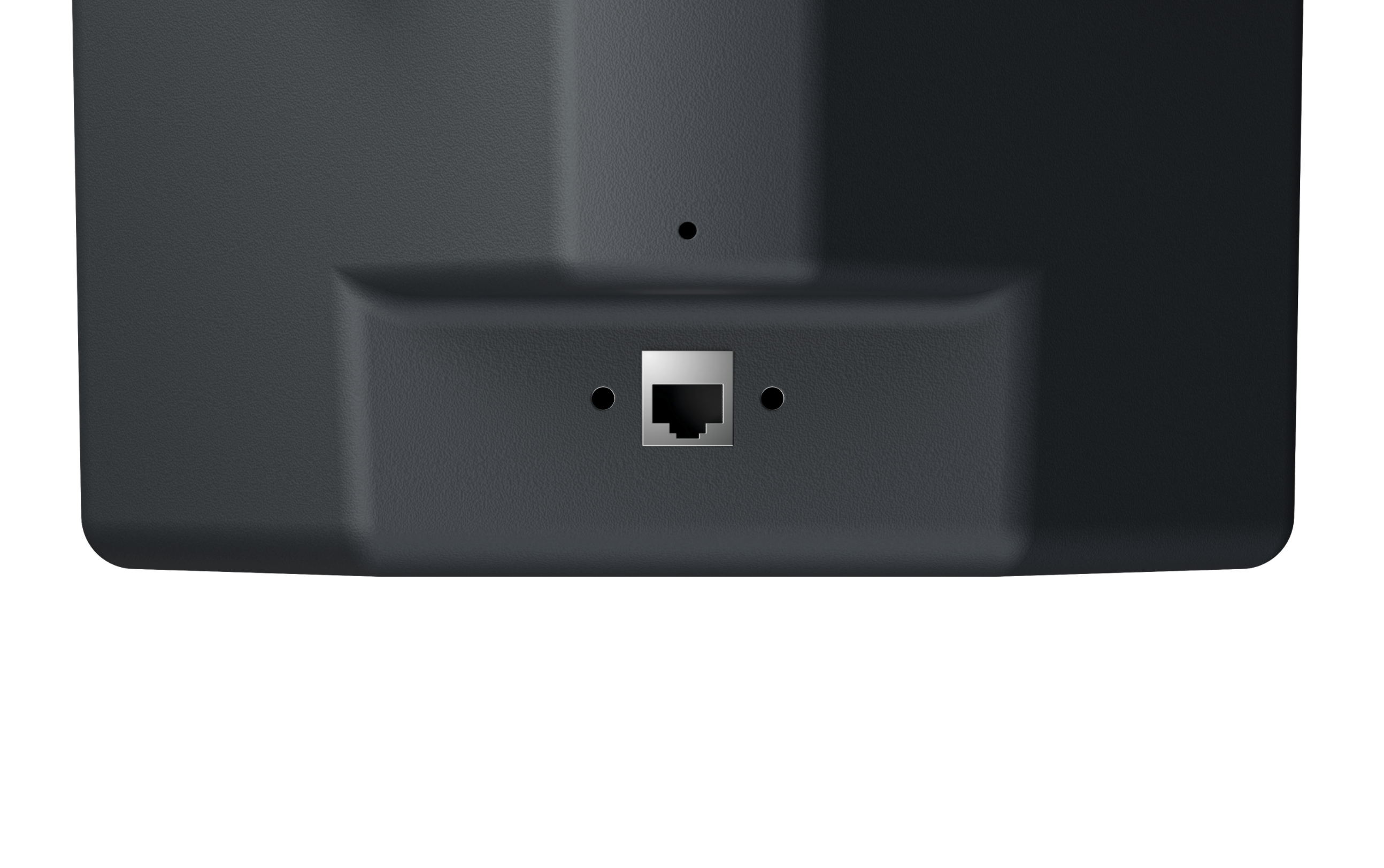
RoomDesign Ceiling uses a single network cable.
Steps:
Connect a network cable from the speaker’s LAN port
Plug into a PoE+ capable network switch
Power, audio, and control are all delivered over this one connection.
Installation Complete
RoomDesign Ceiling is now installed and ready for use.
The in-ceiling design keeps the room clean and uncluttered.
Single-cable connectivity makes installations fast and easy to scale across rooms.
To complete the setup, continue with the Local Deployment guide.
In Summary
RoomDesign Ceiling is designed for simple, repeatable installs.
Key takeaways:
Clean in-ceiling mounting
Optional tile mount for faster installs
Single PoE+ cable for power, audio, and control
Suitable for single rooms or large rollouts
Simply connect, then move on to the next room.