
Reporting an Issue
Edited
If you experience an issue with RoomHub, you can quickly generate a diagnostic report.
How to Generate a Report
Open the RoomHub WebGUI
Go to the Support menu
Select Generate Diagnostic Report
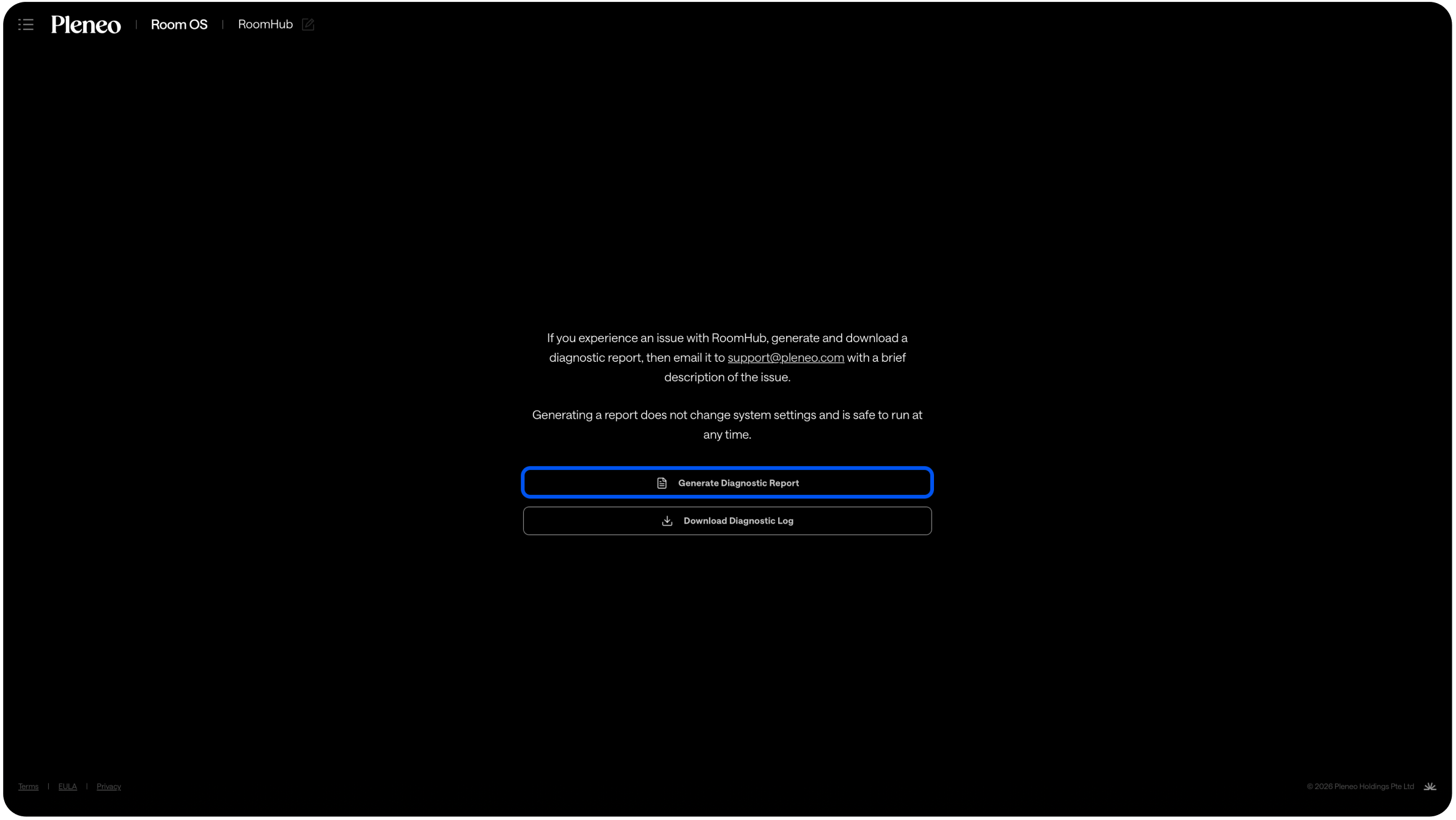
Download the report
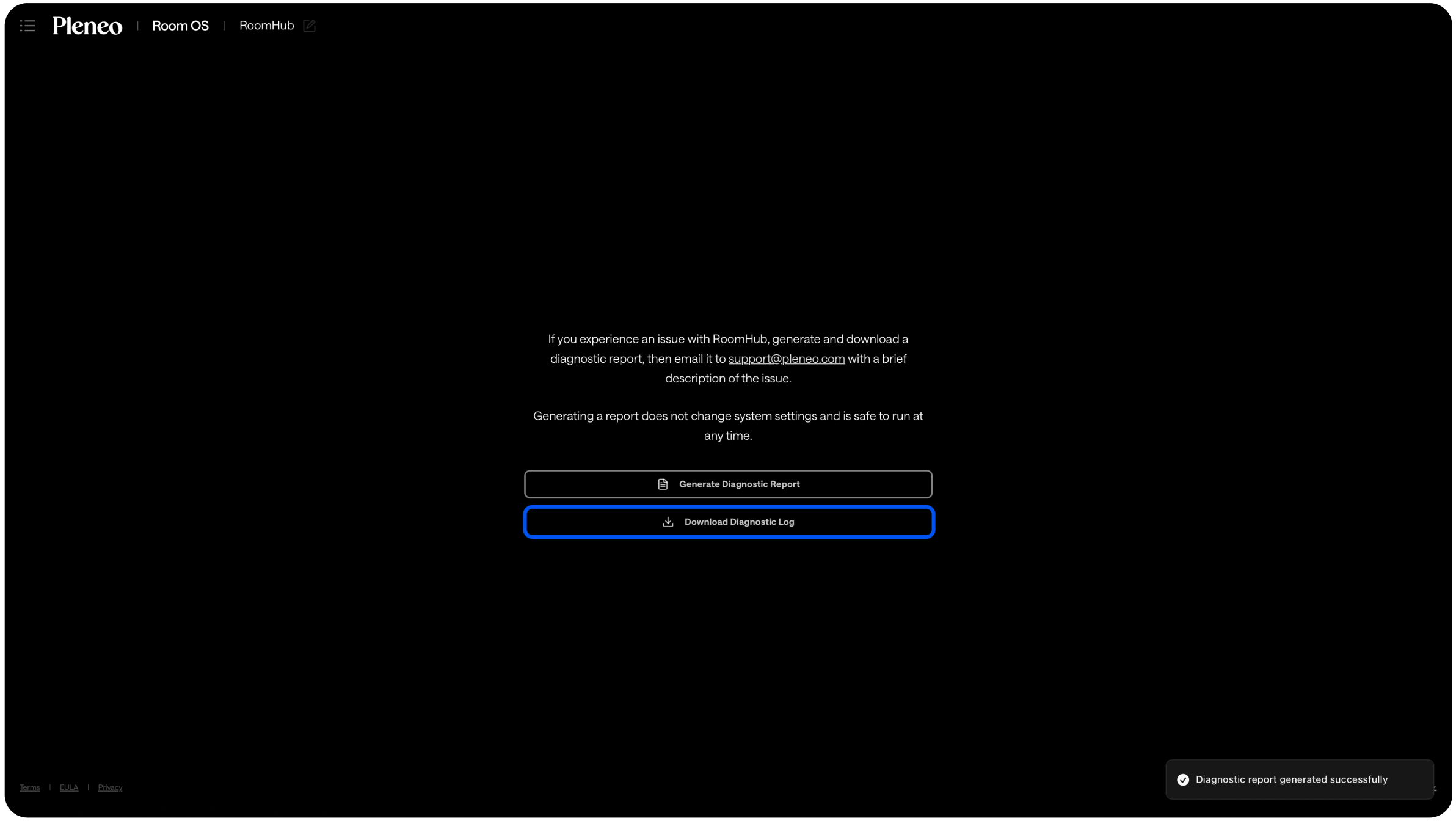
Then email the file to support@pleneo.com with a short description of the issue.
Include:
What you expected to happen
What actually happened
When the issue occurred
This helps us respond faster.
Is It Safe?
Yes.
Generating a diagnostic report:
Does not change any settings
Does not interrupt operation
Is safe to run at any time
You can create a report even while the room is in use.