
Install RoomDesign Pro Ceiling
Overview
This guide walks you through installing the RoomDesign Ceiling speaker quickly and correctly.
The process is simple and predictable.
Prepare the ceiling, mount the speaker, connect the amplifier.
Before You Begin
Confirm the following before installation:
RoomDesign Ceiling requires an external amplifier
Ceiling access is available
The supplied cutout template or ceiling tile mount accessory is ready
The correct operating mode is identified (8-ohm or 70/100V)
This ensures a smooth installation with no rework.
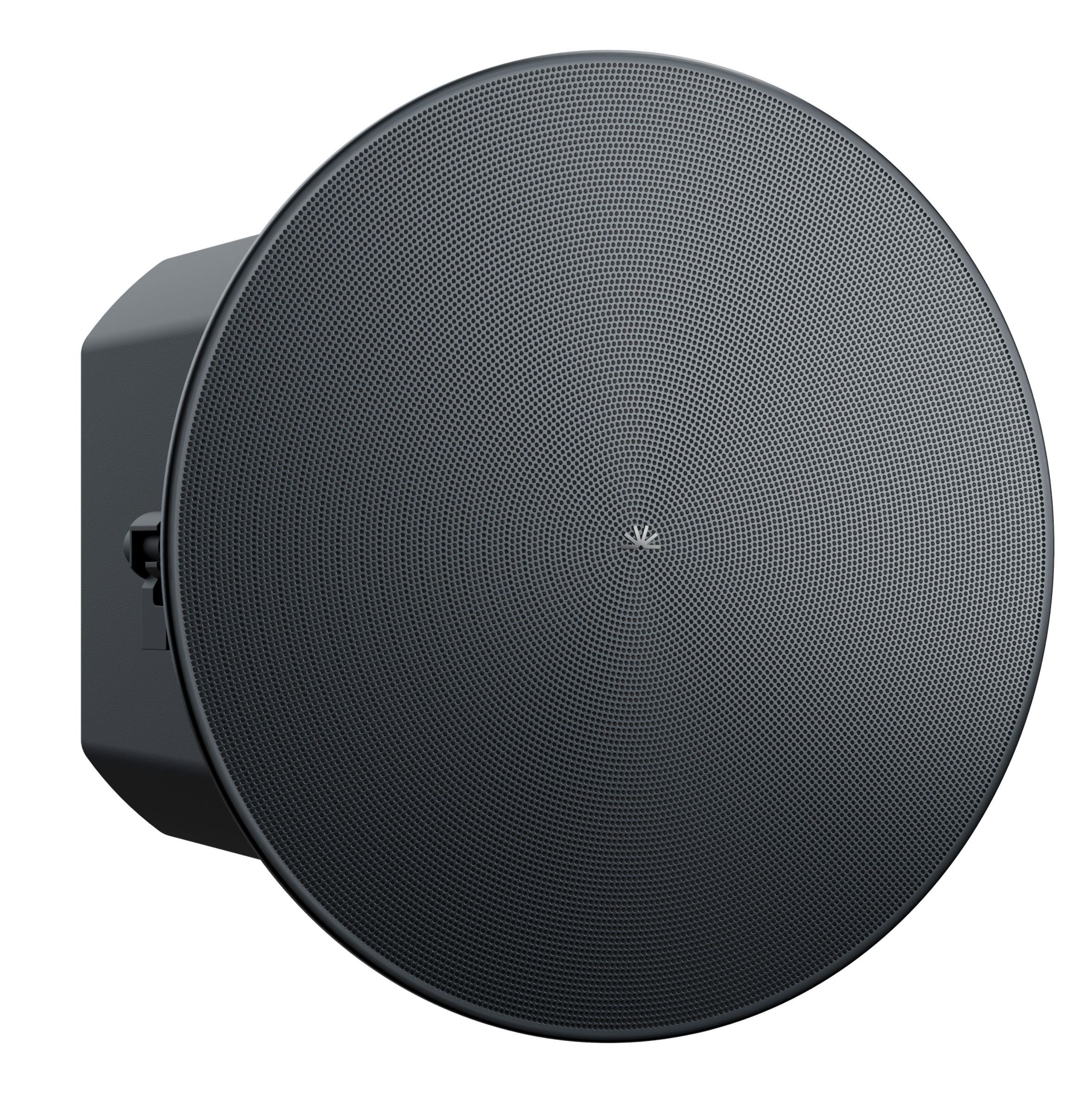
Installation Steps
1. Prepare the Ceiling
RoomDesign Ceiling is designed for in-ceiling mounting.
Steps:
Use the supplied cutout template to mark the opening
Cut the ceiling opening to match the template
Tip
For standard 600 × 600 mm ceiling tiles, use the ceiling tile mount accessory.
This avoids cutting the tile and keeps installation faster and cleaner.
2. Mount the Speaker
Mounting is secure and flush.
Steps:
Insert the speaker back-first into the ceiling opening
Tighten the mounting screws evenly
The integrated clamps secure the speaker firmly against the ceiling surface.
3. Connect the Speaker
Steps:
Connect a speaker cable to the terminal connector on the rear of the speaker
Connect the other end to an external analog amplifier
Use the front dial to select 8-ohm or 70/100-volt operation
Once connected, the physical installation is complete.
Installation Complete
RoomDesign Ceiling is now installed and ready for system setup.
The in-ceiling design keeps the room clean and unobtrusive.
Simple wiring makes installations fast and easy to scale across rooms.
In Summary
RoomDesign Ceiling is built for straightforward installation.
Key takeaways:
Clean in-ceiling mounting
Optional tile mount for faster installs
External amplifier required
Selectable 8-ohm or 70/100V operation