
Downloading a "System Report" in Pleneo Cloud
Edited
Pleneo Cloud lets you test a room at any time, without being on-site.
A System Test checks all devices assigned to the room, confirming that everything is connected, working correctly, and ready for use.
Whenever a room is tested, either through AI AutoDeploy or a manual System Test, a report is automatically generated.
Download the Report
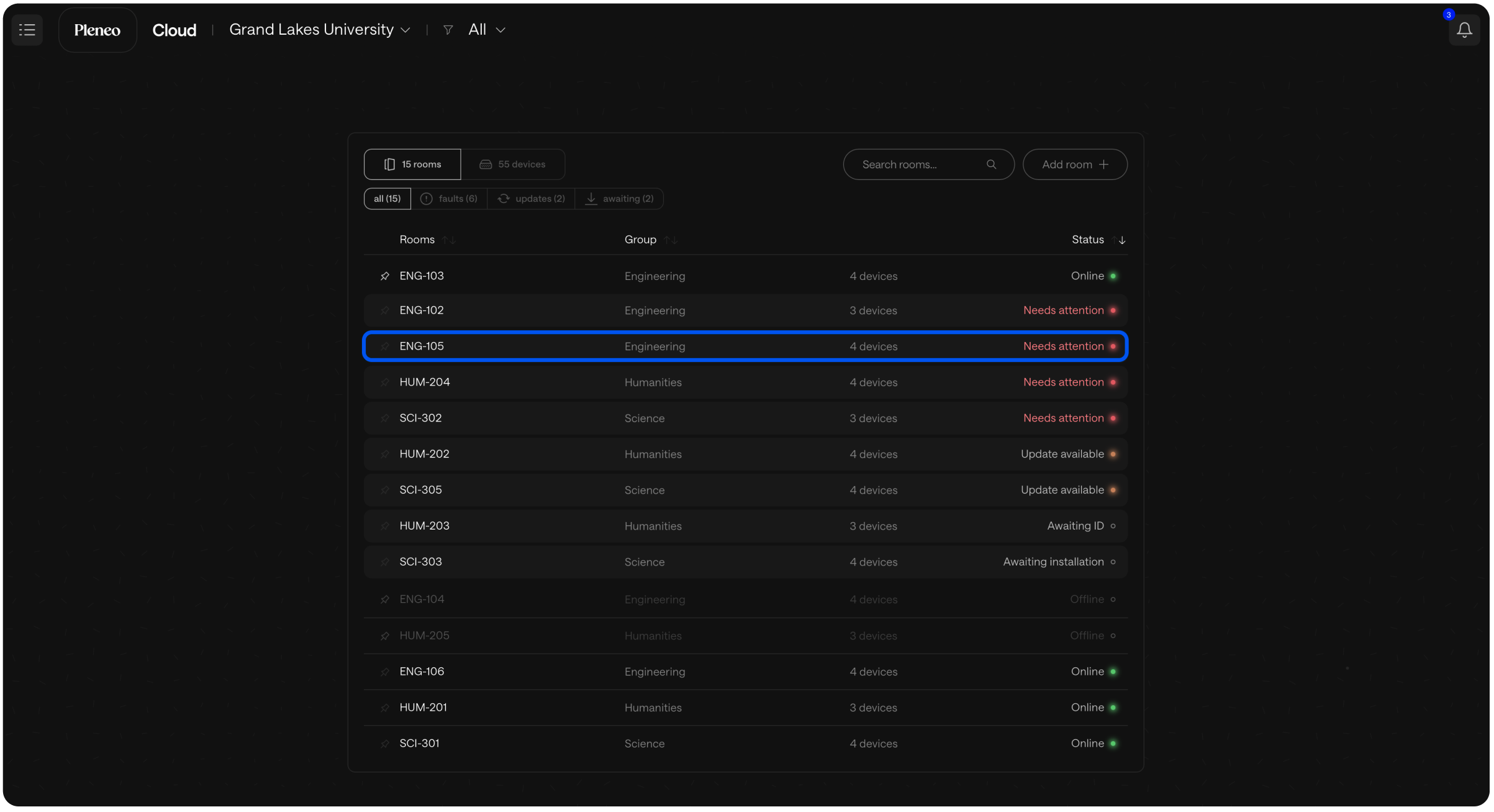
In the main view, select the room you want.
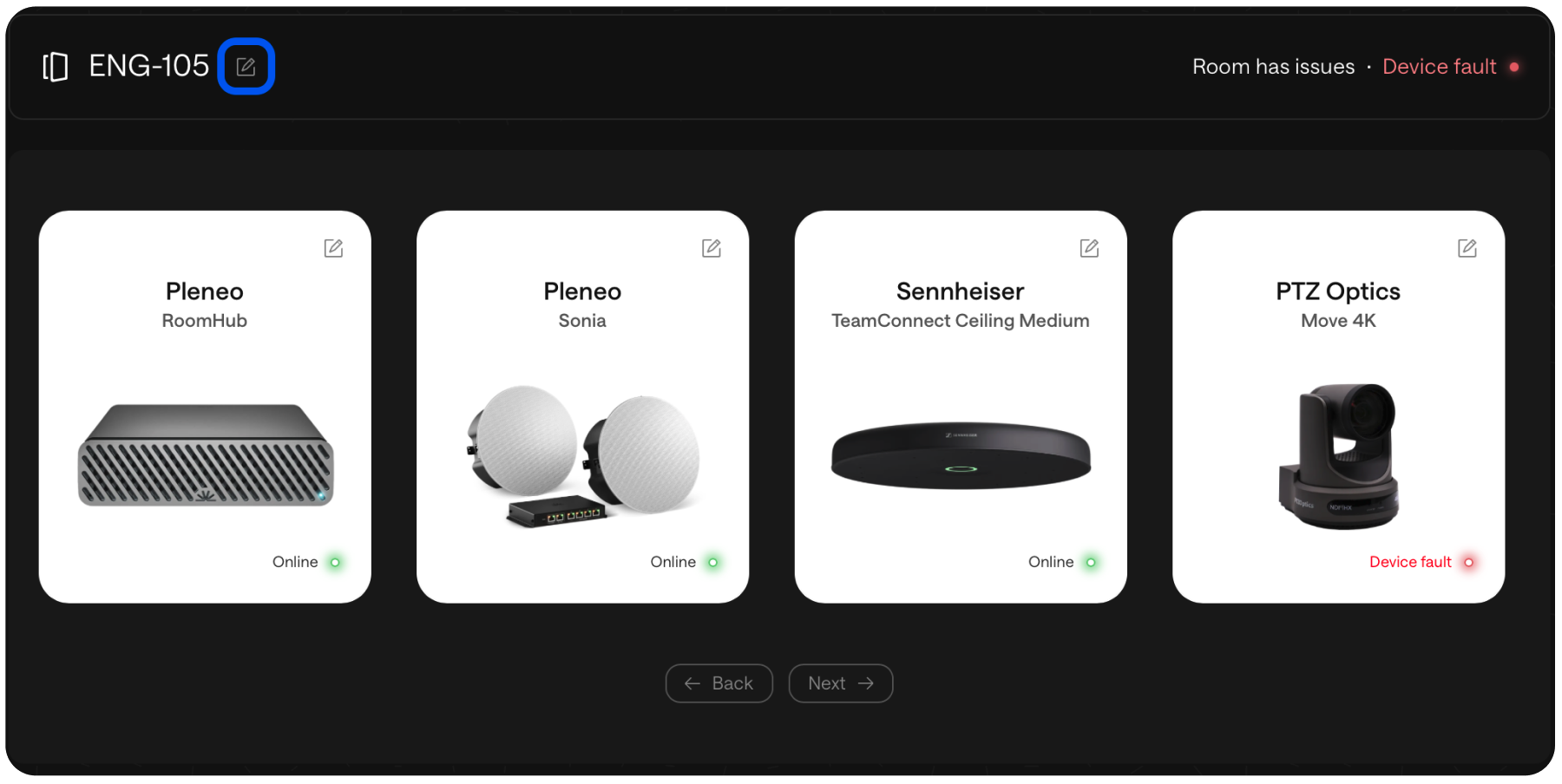
Open Room Edit.
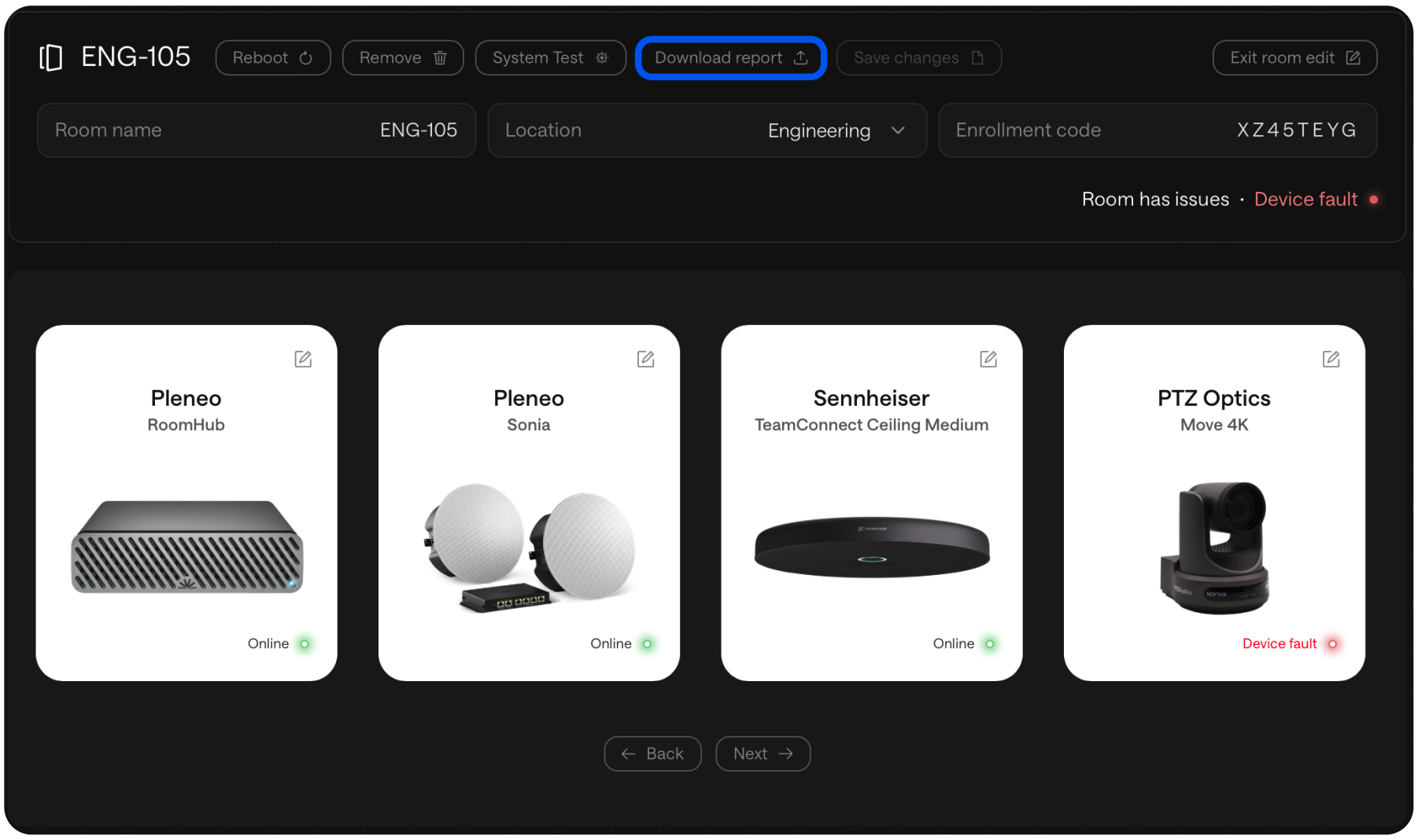
Select Download Report.
Why This Is Useful
The report gives you a clear snapshot of system health and performance. It’s ideal for:
Documentation and audits
Verifying successful deployment
Troubleshooting and maintenance
A simple way to capture proof that a room is configured, tested, and ready.