
System Insights in Pleneo Cloud
Pleneo Cloud collects data from your Pleneo Rooms and turns it into clear, actionable system insights.
Instead of raw statistics, you get an overview of how your rooms are actually being used, helping you make better decisions with confidence.
View Your Insights
To access system insights:
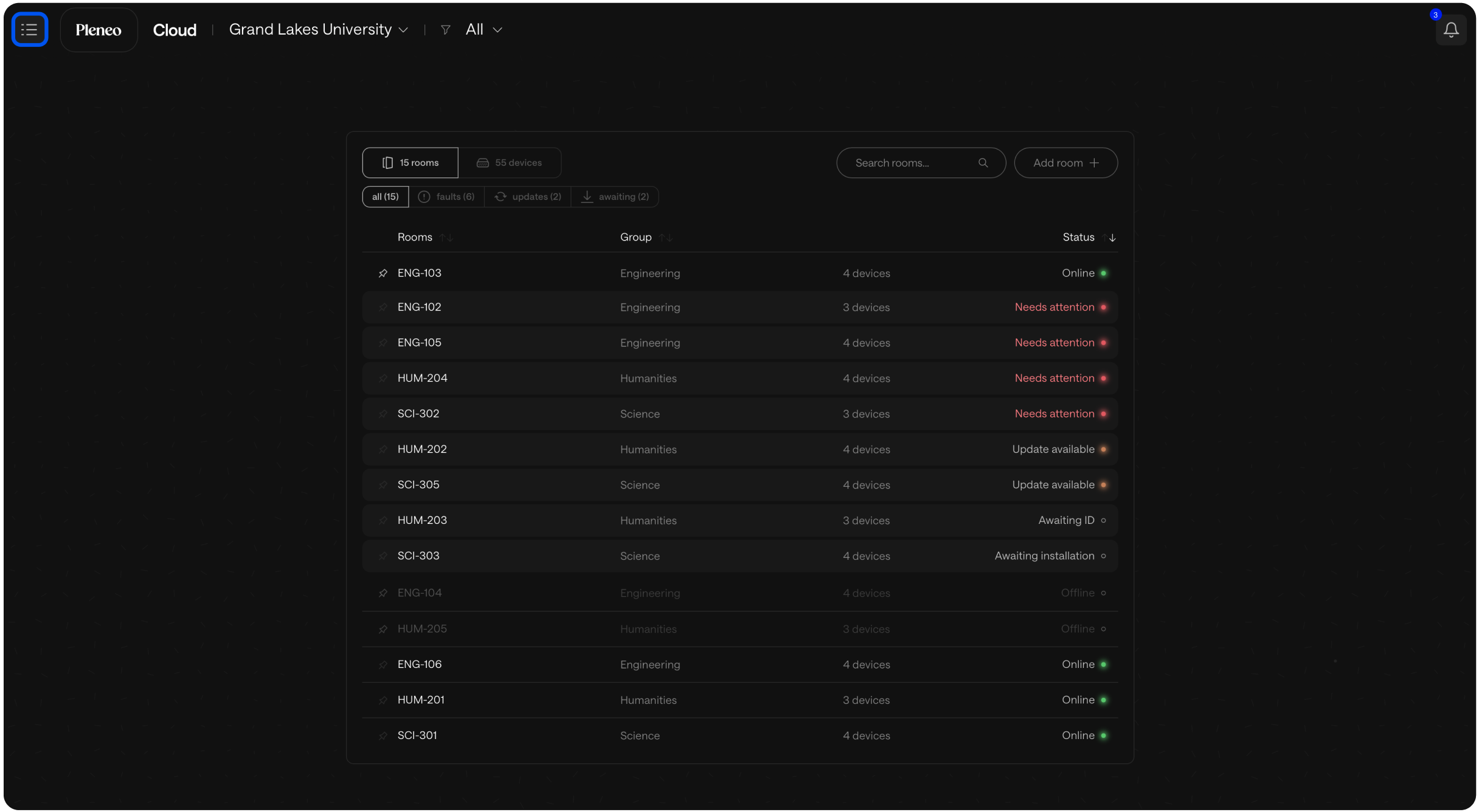
Open the menu in Pleneo Cloud.
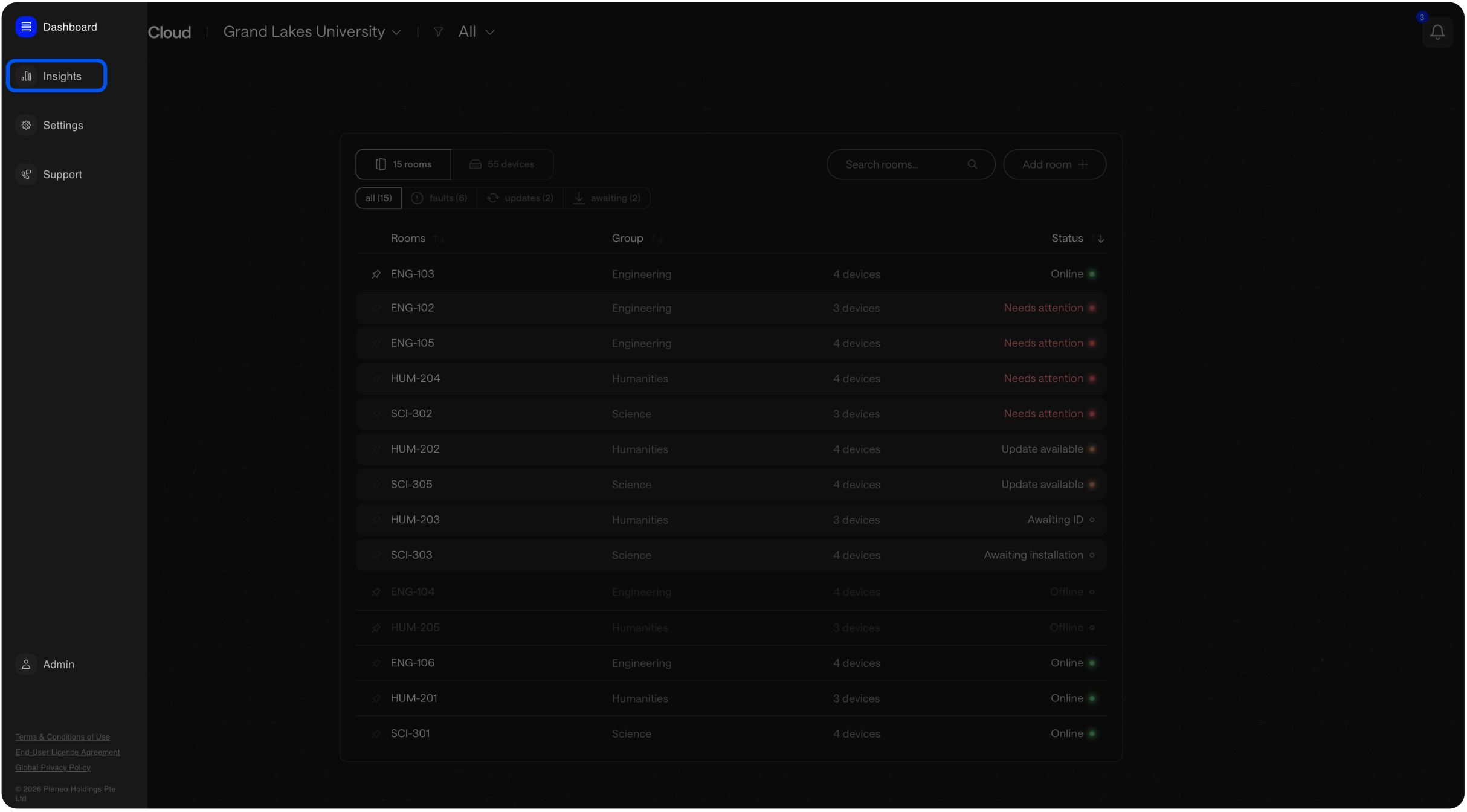
Select Insights.
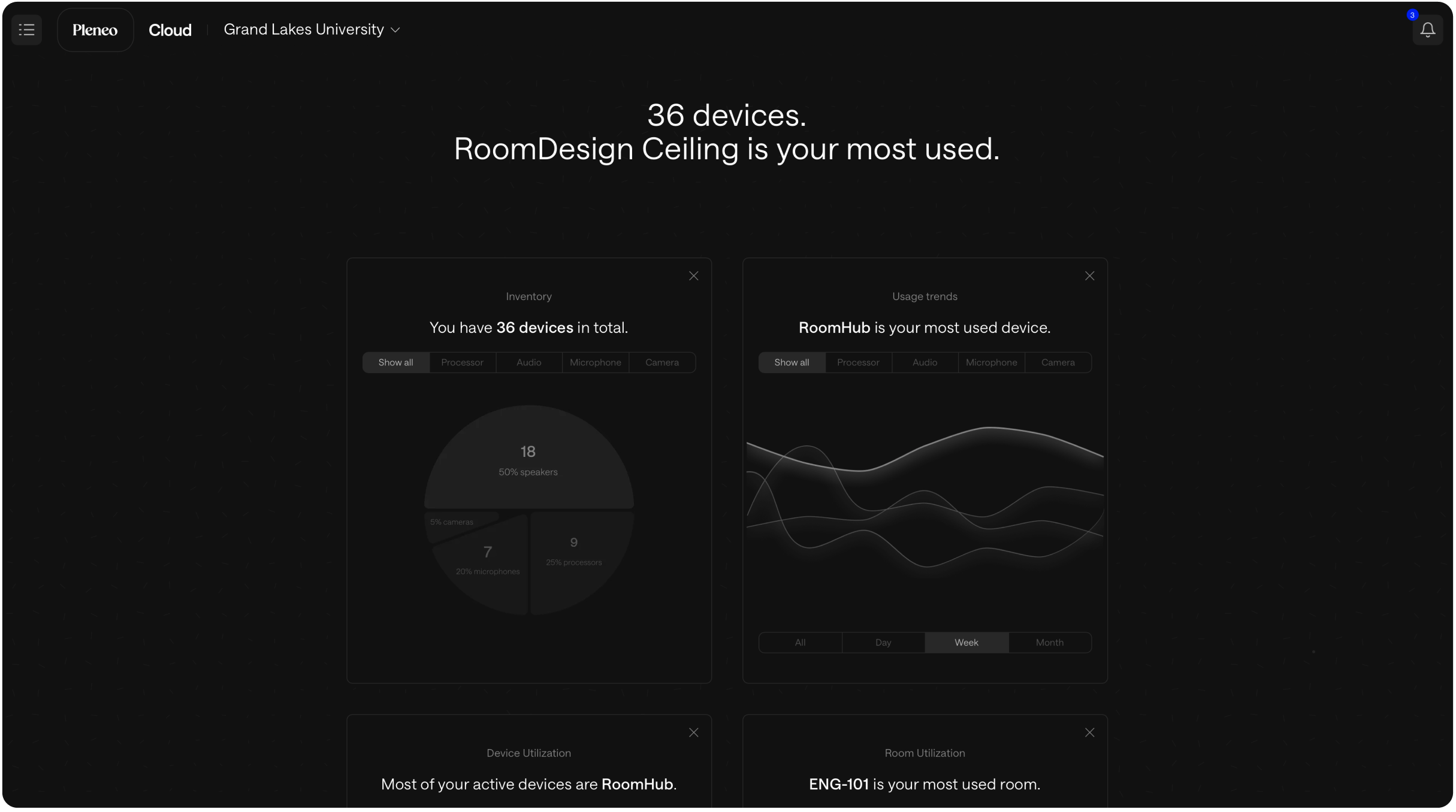
You’ll see a dashboard with key metrics across your rooms and devices.
Why Insights Matter
Insights help you understand:
How often rooms are used
Which spaces perform well
Where improvements or adjustments may be needed
For larger organizations, this makes it easier to:
Optimize existing room investments
Plan future expansions
Support data-driven decisions instead of assumptions
Customize Your View
You can tailor the Insights dashboard to what matters most to you.
Select Add Widget at the bottom of the Insights page.
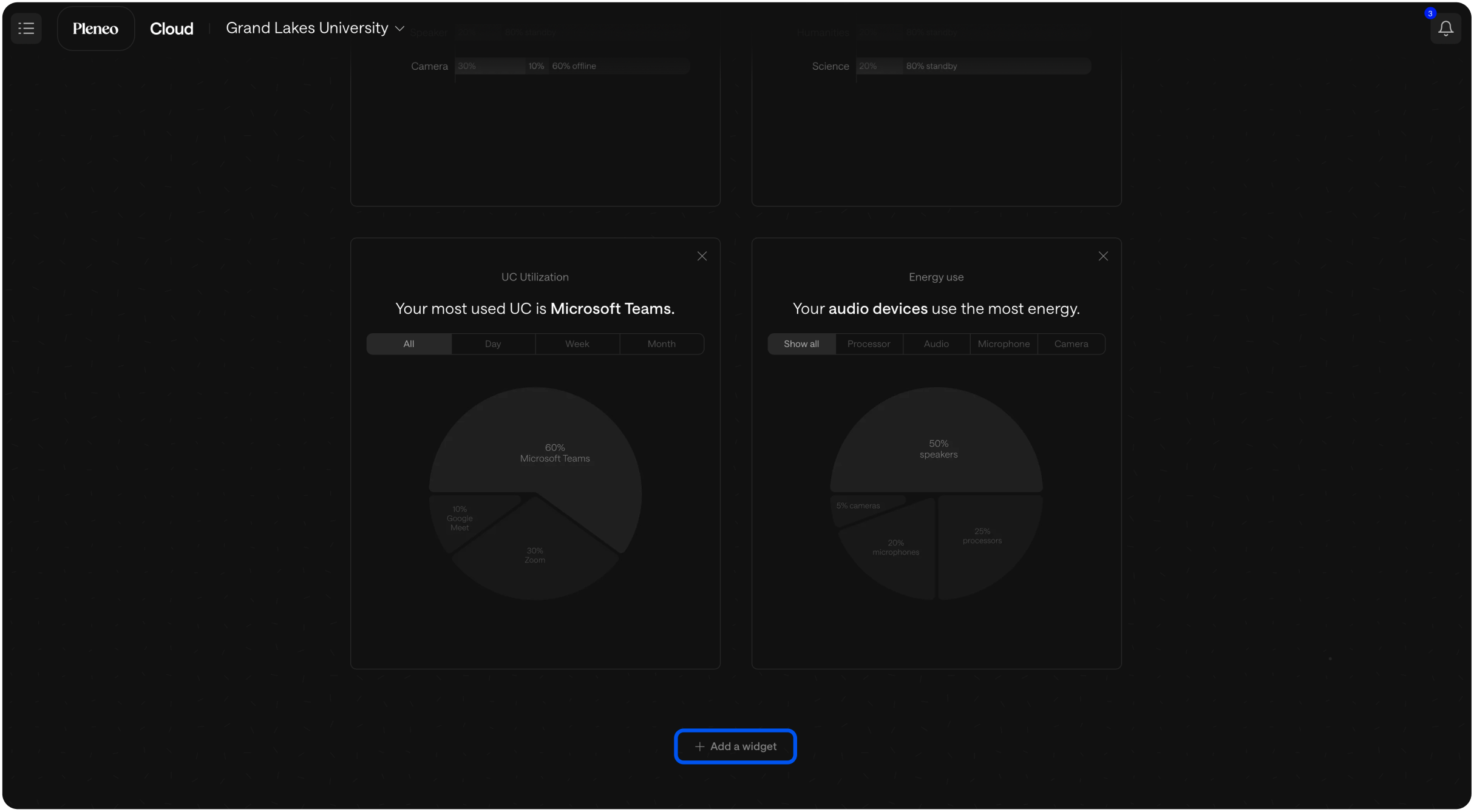
Choose the data you want to track.
This lets you build a dashboard that reflects your priorities, whether that’s usage, performance, or system health.