
RoomHub - Hardware Overview
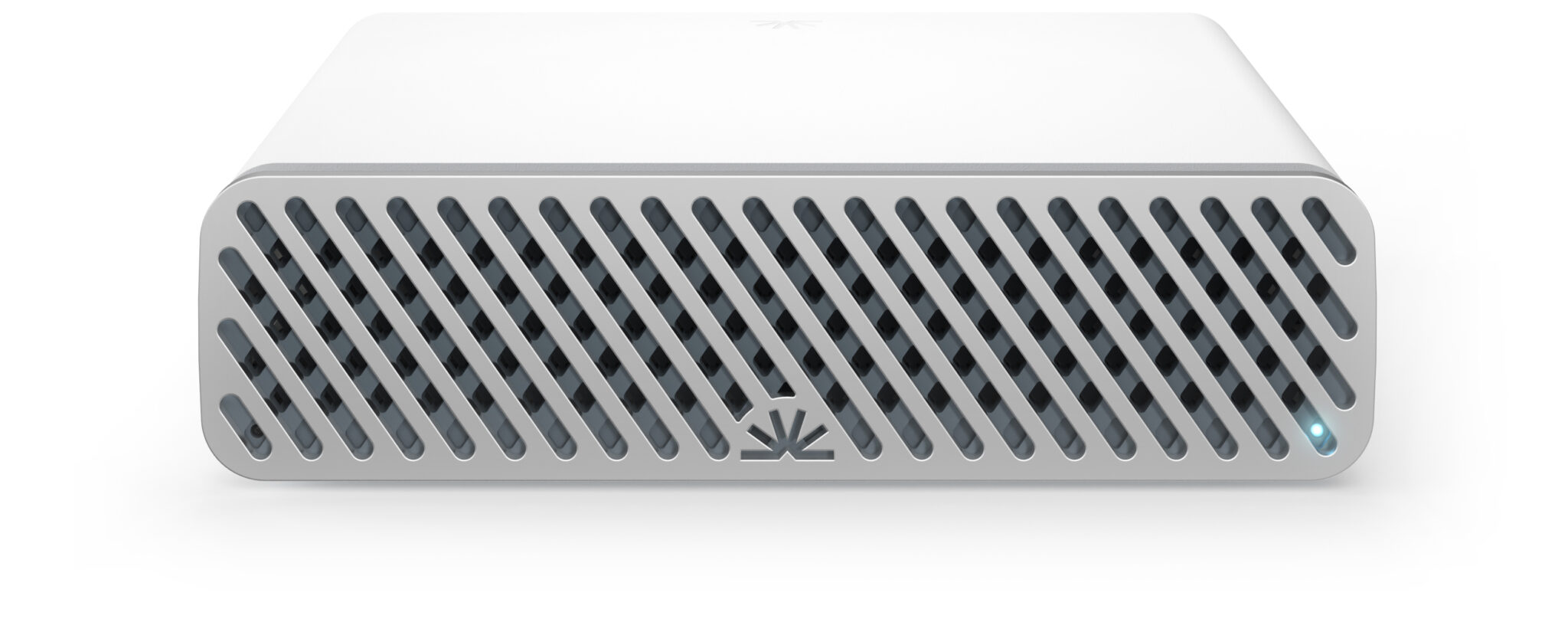
Overview
Facing the back panel of RoomHub, you’ll find all connectivity neatly organized for both AV and control integration.
Each port is designed for simplicity, flexibility, and quick setup — whether you’re connecting to a room system, laptop, or external audio hardware.
Network Ports
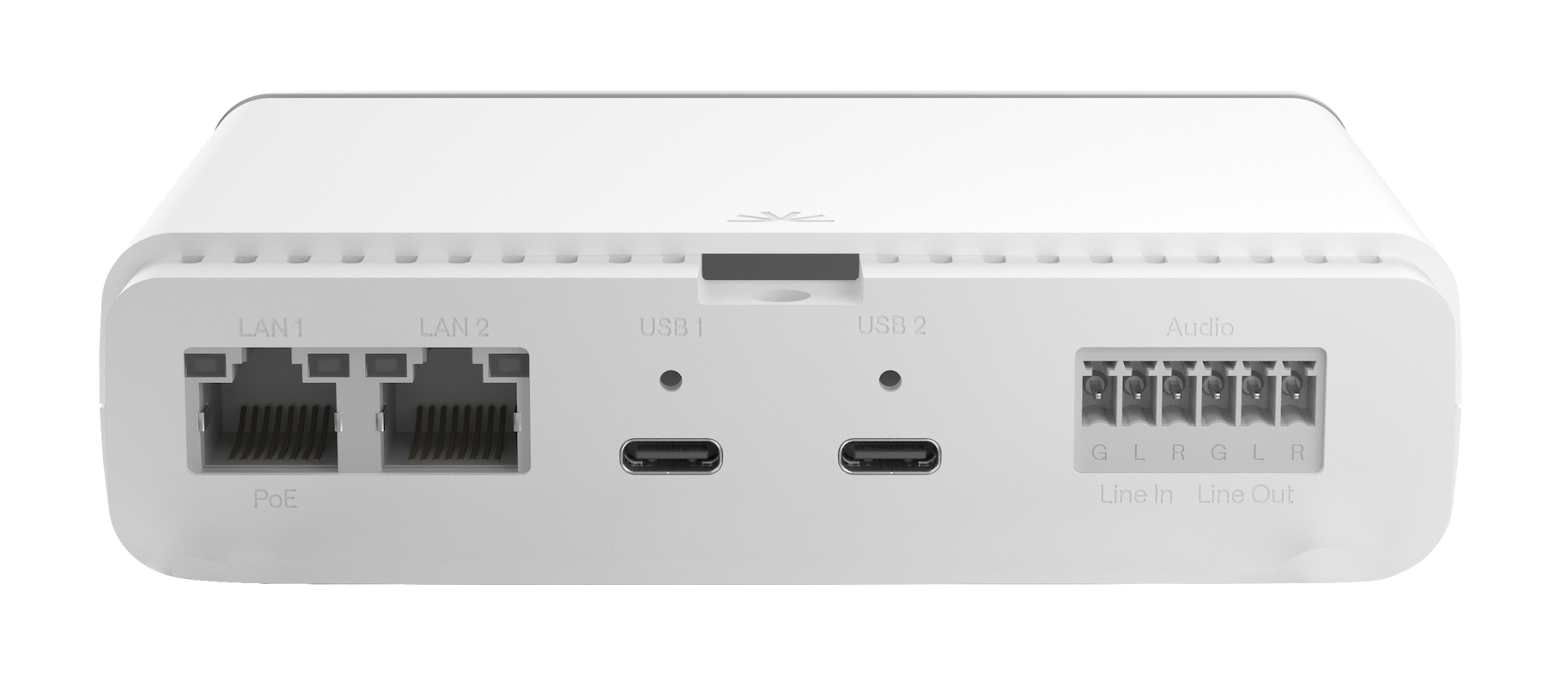
Starting from the left, you’ll find two LAN ports:
LAN 1 – Corresponds to MAC Address 1 (printed on the box)
LAN 2 – Corresponds to MAC Address 2
Both ports handle audio and control traffic. You can configure them in two modes:
Split Mode: Separate audio and control traffic between LAN 1 and LAN 2 for isolated routing and improved network management.
Converged Mode: Merge all traffic through a single cable on LAN 1 for simpler installations.
Power: LAN 1 supports PoE, which powers the entire RoomHub, no external power supply required.
USB-C Connections
To the right of the LAN ports are two screw-down USB-C ports.
These ports connect RoomHub to your Room Compute (for example, a Microsoft Teams Room or Zoom Roomsystem).
They also support direct laptop connections for BYOD (Bring Your Own Device) use.
How it works:
RoomHub automatically switches to the last connected device.
Plug in a laptop, and RoomHub instantly routes audio and control to it.
Disconnect, and it switches back to your room system automatically.
This also works for fully BYOD setups, for instance, switching seamlessly between two laptops.
Analog Audio I/O
Next to the USB-C ports are terminal block connectors for analog audio input and output.
These allow you to:
Connect external audio equipment.
Integrate with analog hearing loops or assistive listening systems.
Add flexibility in environments where Dante or digital audio isn’t required.
Bluetooth Connectivity
Inside every RoomHub is a Bluetooth 5.4 module.
You can pair third-party Bluetooth devices for:
Media playback (e.g., streaming from a phone or tablet).
Wireless meeting participation, connecting directly to RoomHub from your smartphone.
Bluetooth integration provides a flexible bridge between wired and wireless workflows, ideal for ad-hoc collaboration and mobile use.
In Summary
RoomHub brings all your network, USB, analog, and wireless connections into one intelligent hub:
Port Type | Function | Notes |
|---|---|---|
LAN 1 / 2 | Audio + Control | Split or Converged; LAN 1 supports PoE |
USB-C (x2) | Room Compute / BYOD | Auto-switches between connected devices |
Analog I/O | Line-level audio | Ideal for hearing loops or legacy systems |
Bluetooth 5.4 | Wireless connectivity | Supports playback and mobile conferencing |
Whether you’re running a fully integrated UC system or a simple BYOD setup, RoomHub adapts instantly, no manual switching, no external power, and no extra complexity.