
When to use Local vs. Pleneo Cloud Deployment?
Overview
Pleneo offers two simple ways to deploy RoomHub, depending on how much automation or control you need:
Zero Touch Cloud Deployment, fully automated setup using Pleneo Cloud
Local Deployment, on-site setup using the built-in web interface
Both deliver the same high-quality result. The right choice depends on your network, security requirements, and how hands-on you want to be.
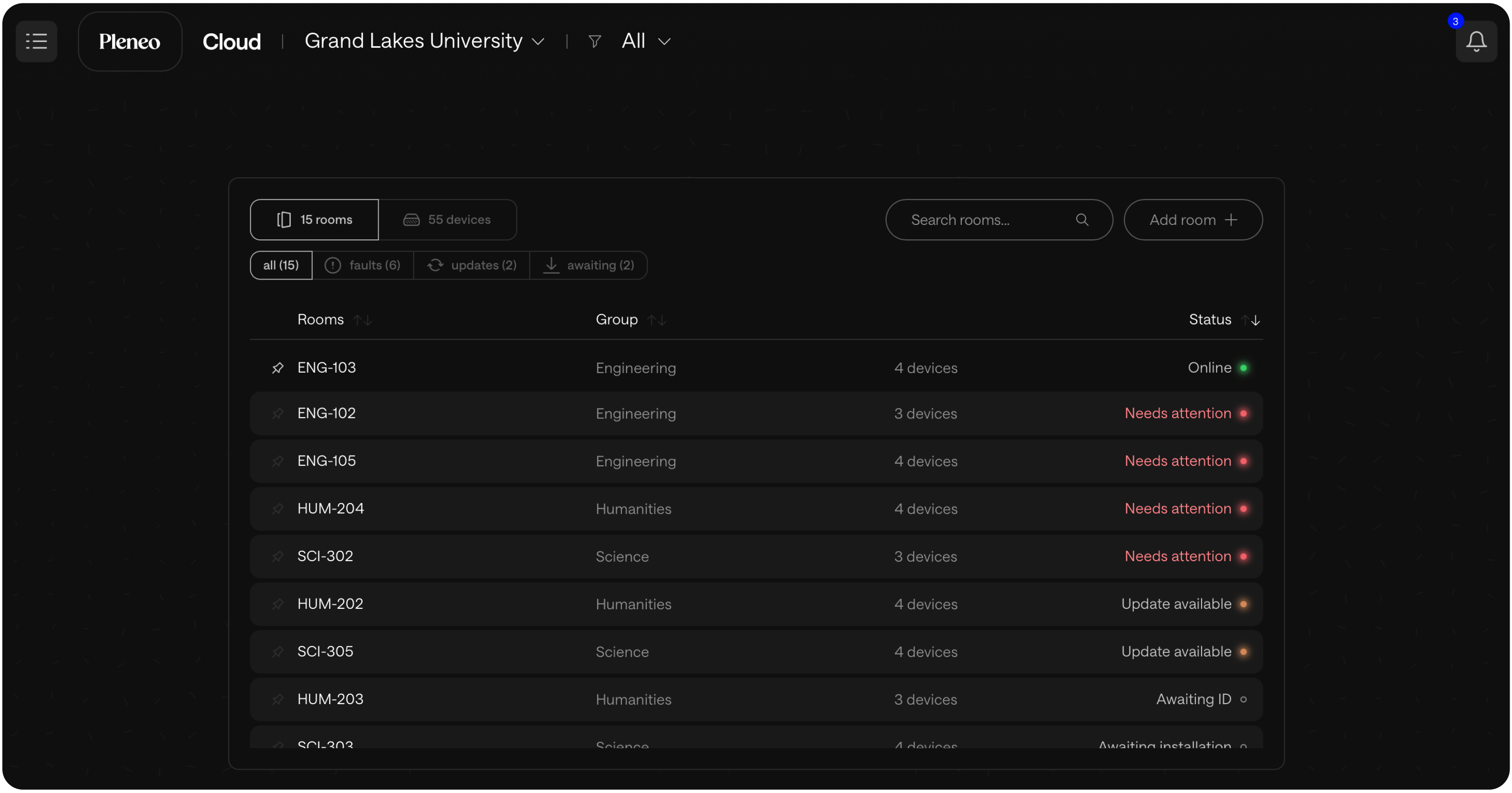
Zero Touch Cloud Deployment
Zero Touch Cloud Deployment is the fastest way to set up a room.
You connect RoomHub to the network.
Everything else happens automatically.
How it works:
Connect RoomHub to a PoE port with internet access
RoomHub retrieves its configuration from Pleneo Cloud
Devices are discovered, tested, and tuned automatically
You receive a completion notification
No laptop.
No manual setup.
Best for:
Multiple rooms or locations
Distributed or international rollouts
Teams using Pleneo Cloud for monitoring and remote management
This method delivers consistent, fully optimized rooms with minimal on-site effort.
Local Deployment
Local Deployment is fully on-site and cloud-independent.
Setup is done through RoomHub’s embedded web interface and gives full control over configuration and tuning.
Ideal when:
Internet or cloud access is restricted or prohibited
The project is a single room or small installation
Using PTZ cameras in need of manual Auto Tracking setup
Local deployment ensures RoomHub works reliably in secure environments and allows hands-on customization when needed.
Hybrid Deployment
You can also combine both approaches.
A common workflow:
Use Zero Touch Cloud Deployment for fast commissioning and automatic tuning
Apply local adjustments through the web interface.
This approach balances speed with control.
Why It Matters
Different projects have different requirements.
Pleneo supports all of them:
Cloud deployment accelerates large rollouts and simplifies management
Local deployment ensures operation in secure or offline environments
Hybrid deployment offers flexibility for custom setups
You choose the approach.
RoomHub adapts.
In Summary
Pleneo deployment options are designed to be clear and predictable.
Deployment option | When to use it | Key benefits |
|---|---|---|
Zero Touch Cloud | Multiple rooms, distributed sites, cloud management | Fast, hands-free, consistent |
Local Deployment | Secure networks, single rooms, custom setups | Full control, works offline |
Hybrid | Projects needing both | Speed with precision |
Deploy one room or many.
Pleneo Room OS makes setup simple.